

What No-App AR Packaging Is
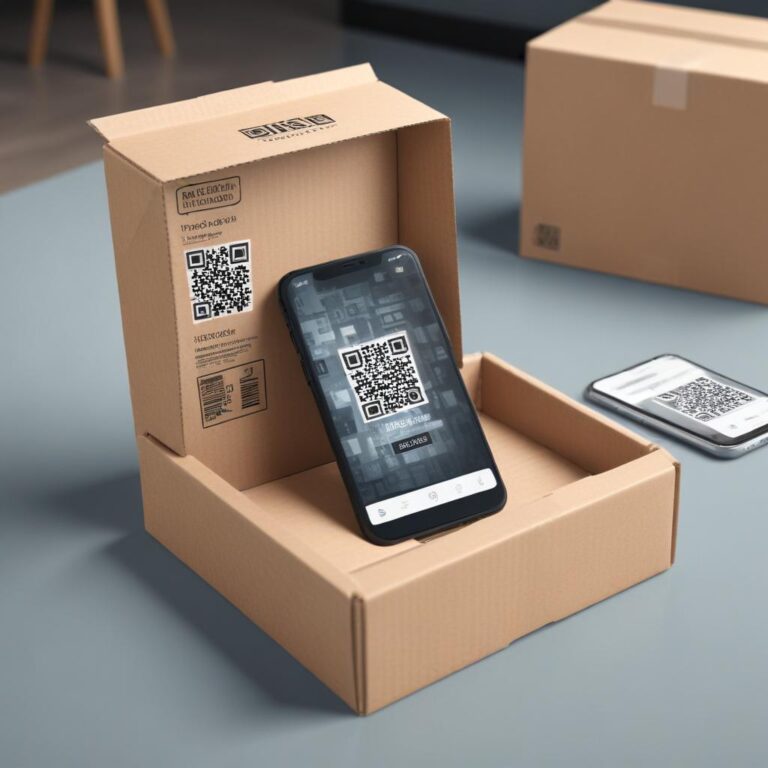
No-app AR packaging is WebAR: augmented reality that runs entirely in a mobile browser, triggered by scanning a QR code on a physical product, without any app installation required.
The technology behind it is browser-native AR, built on standards like WebXR and WebGL that are supported across iOS Safari and Android Chrome. When a user scans the QR code on a pack, their browser loads the AR experience directly. The camera activates inside the browser, the AR layer renders on top of the camera feed, and the user interacts with the experience in real time.
From the brand’s perspective, the output is identical to what a dedicated AR app would produce: 3D animations, gamified interactions, video overlays, product demos. The difference is entirely in the delivery mechanism. There is no app to maintain, no app store approval process to navigate, and no update to push to users’ phones when the campaign changes.
For CPG and FMCG brands running seasonal promotions, this is the critical advantage. A Chinese New Year campaign that needs to go live in three weeks cannot wait for app store review cycles. A WebAR experience built on a no-code platform like [HOVARLAY’s WebAR builder](/webar-builder/) can go from brief to live in days, not months.
—
Why App-Based AR Fails on Packaging
App-gated AR packaging fails because it adds a multi-step install process to what should be a two-second interaction, and most users exit before completing it.
The research on mobile app download friction is consistent. A 2024 study by AppsFlyer found that conversion rates drop by an average of 65% when users are asked to install an app before accessing a promotional experience (AppsFlyer, 2024). For mass-market CPG products, where the audience is broad and motivation to install an app is low, that drop-off is commercially significant.
App-based AR also creates a maintenance burden that WebAR avoids. A brand running AR across 20 SKUs via a dedicated app must manage iOS and Android builds, submit updates through app store review, ensure compatibility with new OS versions, and handle device-specific rendering issues. That is developer time that compounds with every new product launch or campaign change.
There is also a reach problem. App-based AR is limited to users who complete the install. WebAR reaches every user with a capable smartphone camera and a browser, which is now the overwhelming majority of the addressable market. According to Statista, global smartphone penetration reached 91% of mobile users in 2025, with WebGL support standard across all major mobile browsers (Statista, 2025). That means a QR code on a pack is a universal activation mechanism for no-app AR packaging.
—
How to Build No-App AR Packaging Without Developers
A no-code WebAR platform reduces the build process for no-app AR packaging to three steps: upload your assets, configure the campaign mechanic, and generate the QR code.

The brand manager’s workflow on a platform built for this purpose starts with the content layer. You upload a 3D model of your product, a video, or an animation, or you select from the platform’s template library. Next, you set the campaign mechanic: a spin-to-win reward wheel, a recipe walkthrough, an ingredient story, or a direct product demo. Finally, the platform generates a QR code linked to the live experience, which you embed in your packaging artwork before print.
Critically, the experience is hosted by the platform, not by the brand. That means updates happen in the dashboard, not on the label. A brand running a 12-month campaign on a product with a 12-month shelf life can change the experience three or four times across that period, rotating seasonal rewards, swapping creative assets, or testing different CTAs, all without a reprint.
[Pricing for no-code WebAR platforms](/pricing/) varies, but the models that work best for CPG brands are per-SKU monthly subscriptions rather than per-view billing. At high scan volumes, per-view pricing becomes unpredictable. A fixed monthly cost per SKU is easier to budget and scales with the product catalogue. See [how brands have structured their no-app AR campaigns](/case-studies/) for real-world benchmarks on cost and performance.
—
What No-App AR Packaging Looks Like in Practice
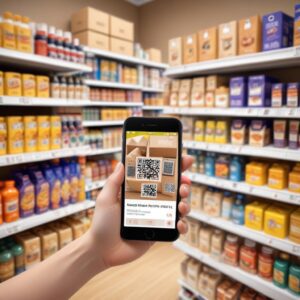
No-app AR packaging in practice means a user picks up a product, scans the QR code, and within three seconds they are inside a live, interactive AR session in their phone browser.
The experience can take many forms. For a beverage brand, it might be an AR recipe demo showing cocktail preparation with the product as the hero ingredient. For a snack brand, it might be a spin-to-win loyalty reward that captures the user’s email in exchange for a discount code. For a personal care brand, it might be an ingredients storytelling experience that builds trust and explains the product’s positioning. All of these experiences run in the browser, with no installation required.
The gamified format is particularly well-suited to FMCG: spin-wheel and scratch-card mechanics that sit on top of the product pack convert at rates that standard packaging inserts cannot match. HOVARLAY’s Campaigns module averages 13.23% lead conversion across active campaigns, which means roughly 1 in 8 users who scan go on to provide contact details or opt into a marketing flow.
For brands running no-app AR packaging for the first time, starting with a single SKU is the right approach. Choose the product with the highest sale velocity or the one where post-purchase engagement has the clearest upside. Validate the scan rate and lead conversion over 60 to 90 days, then use those numbers to make the case for wider rollout.
Start free at https://dashboard.hovarlay.com/signup and launch your first no-app AR packaging campaign without writing a single line of code.
—
Frequently Asked Questions
Q: What is no-app AR packaging?
No-app AR packaging is augmented reality delivered through a mobile browser, triggered by a QR code printed on a physical product. When a user scans the code, an AR experience opens directly in their browser without requiring any app download. It works on any modern smartphone running iOS Safari or Android Chrome.
Q: Does no-app AR packaging work on all smartphones?
It works on any smartphone with a capable browser and camera, which covers the vast majority of devices in active use. iOS Safari and Android Chrome both support the WebXR and WebGL standards that power browser-based AR. Very old devices with outdated browsers may have limited support, but for most brand audiences the reach is effectively universal.
Q: How long does it take to launch a no-app AR packaging campaign?
With a no-code WebAR platform, a campaign can go from brief to live in days rather than months. The main time investment is in preparing your creative assets. Once assets are ready, the platform build, QR generation, and testing can typically be completed within a single working week.
Q: Can no-app AR packaging capture leads?
Yes. Most no-code WebAR platforms include a campaign layer that can display a lead form, spin-wheel, or email opt-in as part of the AR experience. This turns a packaging scan into a first-party data collection event. HOVARLAY’s Campaigns module averages a 13.23% lead conversion rate across active gamified AR campaigns.
Q: What makes no-app AR packaging better than a QR code linking to a standard webpage?
The key difference is the augmented reality layer: the experience renders on top of the user’s live camera feed, creating a sense of presence and interactivity that a flat webpage cannot replicate. AR experiences also hold attention longer and generate higher recall than standard mobile landing pages. For brands using packaging as a marketing surface, that engagement difference translates directly into campaign performance.
—
*Published by HOVARLAY Editorial Team. [Build your first no-app AR experience](/webar-builder/) or [sign up free](/sign-up/) to launch WebAR on your packaging this week.*